
You do not need “the best padel app in 2026.” You need the one that stops you from being a helpdesk in shorts.

If your setup looks like this, the software should remove notes, not add another login.
This is the shopping list we use when clubs ask “should we just stay on Excel.” The honest answer is: sometimes yes. Then, quite suddenly, no.
This is the list we built Padel Playground around
Social nights and proper club opens. Automated schedules, player availability, chat per division and per match, pay in-app or outside, a one-click web link to follow the draw and table. Chat, availability, and in-app payments live in the app — the link is for viewing. If you later want bookings in the same cheap, modern stack, that exists — this piece is about the tournament.
When a spreadsheet is still allowed
Eight friends. One court. You are the benevolent dictator and everyone can see you scribble.
That is a Tuesday, not a product category.
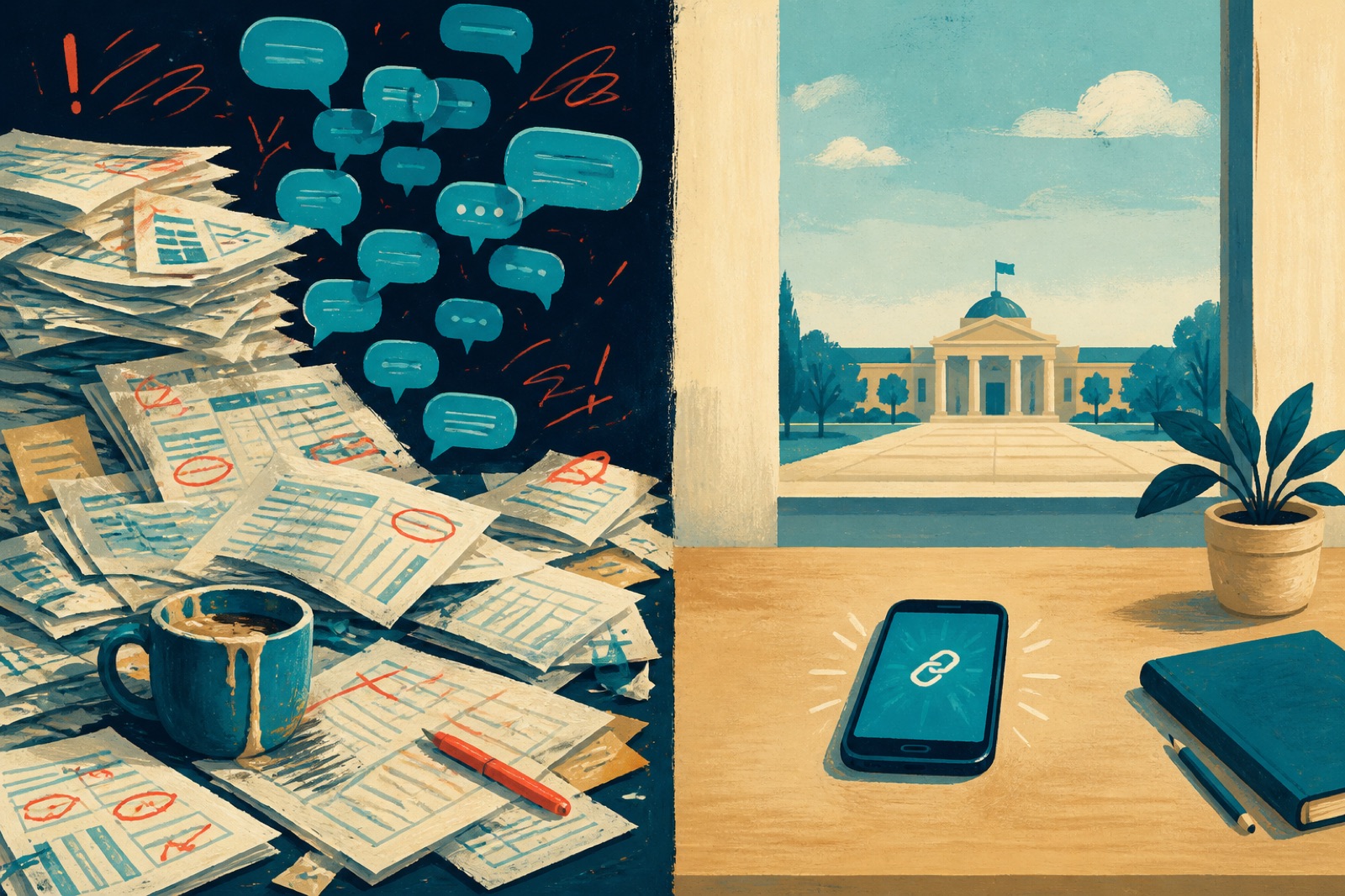
The left desk scales to about 12 players. After that it becomes a personality.
Move off the sheet when any of these are true:
- You have three or more courts running at once
- People register themselves and you would like them to pay
- Someone always asks “who are we playing next” while you are serving
- You are still collecting “I can do Thursday or Saturday morning” in a thread
- You run this more than once a month
If that is you, stop collecting tools. Start collecting requirements.
The checklist that actually matters
Ignore the homepage adjectives. Ask for these, in this order.
1. Automated schedule generator
Not a pretty bracket you still have to babysit. The tool builds the match order across your courts so court 3 is not double-booked while court 1 stares at the sky.
2. Players submit availability
Let them tap the slots they can actually play. You stop being the person who forwards “does 19:30 work?” to twelve people who will not answer.
3. Chat per division and per match
One club WhatsApp is how the B-draw finds out about the A-final by accident. Division chat and match chat keep the noise where it belongs.
4. Pay in-app or outside
Card in the product for people who will otherwise “Bizum you later.” Cash or your own system for the pair who already paid at reception. Both should land on the same entry list.
5. More than one way to draw
You do not need a museum of formats. You need a few that cover social nights and a real club open. Booking apps are often thin here — Playtomic will run a social, then you feel the ceiling.
6. One-click web link
Share one URL. Players see the draw, the next court, the table. If they still text you “when do we play?”, the link is not doing its job.
7. Web view for everyone, app for the full desk
Anyone should open the link and see the draw, the next court, and the table — no download. Chat, availability, and in-app payments are in the app. Spectators and guests stay in the browser; players who want the full experience download once.
Buy the product that answers “when do we play, and did they pay?” without another group chat.
Schedules and a web view are not rare. Padel Fast has them. RankedIn has them if you pay the per-event premium and ignore the ads. What we actually put on the same desk: anyone opens the link to follow the draw and table. Players who download the app can mark availability, chat on the division and on the individual match, and pay in-app — or you mark fees as “already paid at reception.” Social organisers use that for an Americano Tuesday. Clubs use it for a group-stage Saturday. Have a look.
The web link is the front door — the app is the full experience
Organisers shop for admin. Players start with a URL.
On the web link (no download): the draw, the next match and court, the table, and the rest of the tournament info.
In the app: enter with a partner, submit availability, chat per division and per match, and pay in-app if you turned that on.
If they still text you for all of that, the software is a backend for your stress.
Ask the vendor: “Can someone follow the draw and table without installing anything?” Then ask what still requires a download. Chat, availability, and payments should have a straight answer — not a long story about how easy the App Store is.
Payments deserve a selfish paragraph. Taking the fee in the product does more for attendance than any reminder sequence. People who have paid show up. People who “meant to” become poetry. The operational version — caps, waitlists, Stripe or cash on the same list — is in How to take padel tournament registrations.
That is why “in-app or external” matters. Clubs already have a till, a Bizum, a “pay Tomás.” The software should record that, not force everyone through a card form they will abandon in the car park.
If you also run leagues, do not buy twice
A scoring app that forgets the season on Monday is a toy.
The same seven points apply, just stretched over weeks: availability windows, division chat, a table on a link, payments that do not restart every Tuesday. Club mode (Squads) is live, for a league where players join a squad and the club competes together. You can also add other managers to that one league. Box leagues — the 4–6 pair boxes with promotion and relegation — are the shape most first seasons should take. We are almost ready to roll those out in Padel Playground.
We wrote the operational version in How to Properly Run a Padel League. The software question is simpler: can the season live in the same place as Saturday?
A long format list looks great in a comparison table. What you feel on Saturday is whether the schedule generated, whether the chat is in the right room, and whether Auntie Linda can open the link. Playtomic and other booking tools are fine for a social night. They get limited when the event is the product, not a side button next to court rental.
A boring scoring card
Use this when you demo two products on a Tuesday.
| Question | Pass | Fail |
|---|---|---|
| Does it generate the schedule across my courts? | Yes, without a spreadsheet | “Just keep it in your head” |
| Can players send availability? | In the product | A poll in WhatsApp |
| Chat per division / match? | Yes | One giant club group |
| Pay in-app or mark as paid outside? | Both | Card only, or cash only |
| More than a social-only draw? | A few real options | Booking-app ceiling (hello, Playtomic) |
| One-click web view for draw and table? | Link works in a browser | Must download to see anything |
| Chat, availability, and pay in-app? | In the app when players download | Hidden behind a login wall |
If two tools both pass, pick the one you will actually open on Saturday. Software you resent is software you abandon for WhatsApp.
Names, prices, and the three competitors clubs shortlist are in Best Padel Tournament Software.
Try it on a real event
Tuesday social or a 32-pair open — same product. Organiser plans start at $7/month. Fourteen-day trial. If the group chat is still winning after that, keep the group chat. We can take it.
Is a free scoring app enough?
For a social night with people you already know, often yes. The gap appears when you need availability, a waitlist, card or cash on the same list, division chat, or a web link where guests can at least follow the draw and table.
Should the club booking tool also run tournaments?
If it already covers the list above, stay. Dedicated tools win when the booking app treats events like a side quest — the Playtomic-shaped feeling. If you want one modern desk for events and courts, we do bookings on club plans without a marketplace cut. Cheap, in one place. Still: this article is about the tournament, not the diary.
Do players really not need the app?
Not for everything. Share the link and anyone can follow the draw, see the next court, and read the table without installing anything. To chat, submit availability, pay in-app, or join as a player, they download the app. That split is the point: guests and spectators stay in the browser; entrants get the full desk.